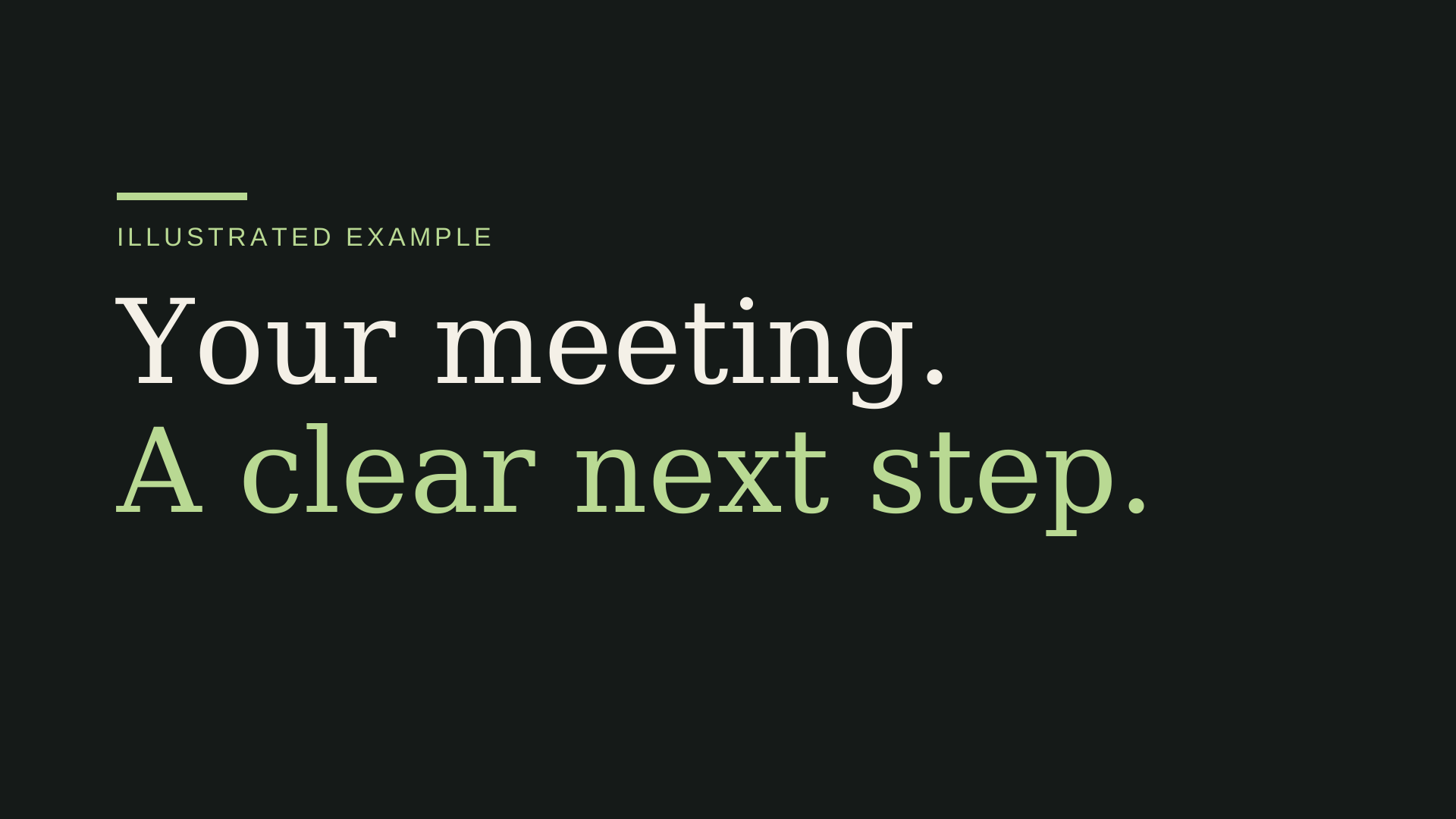
How to Make a Video with Claude: Code, Render, Export
Learn how to make a video with Claude: build a brief, write HTML/CSS, render an MP4 and revise one shot. Includes a downloadable local starter.
Can Claude generate videos?
Claude can write animation code. A separate renderer turns that code into frames and an MP4. Opus 5.5 accepts text and images and outputs text, according to Anthropic's model specifications. Asking for a video in a chat does not by itself give you a rendered video file.
This guide follows one route: a factual product brief → self-contained HTML/CSS → browser preview → deterministic frames → H.264 MP4. Use the Opus video Prompt builder to prepare your brief.
What we verified: the minimal, manually coded starter below renders a 30-second, 1920×1080, 30 fps H.264 MP4. It is silent. We have not independently verified Opus-generated edits or promised that a model will produce the same quality.
What you get at each stage
| Stage | Output | Next step |
|---|---|---|
| Prompt and script | A brief, on-screen copy and shot timings | Confirm product facts and assets. |
| Claude Code edit | HTML/CSS animation source | Review edits and preview in a browser. |
| Local render | An H.264 MP4 | Watch the complete export and check every cut. |
The downloadable starter provides the last two stages for a minimal example. Your own model-generated edits need a new render and review.
1. Get a working starting point
Download the original motion starter. Extract it into a new directory. It includes scene.html, render.mjs, package.json, a README and an MIT license.
The sample features FrameNote, a fictional product. It is a minimal, manually coded example for checking the rendering setup. Use it to confirm the export path before asking Claude to change the scene.
Optional: watch the minimal renderer example
This silent clip checks the starter timeline and MP4 export. It is not an Opus output or a benchmark for finished launch-video quality.
You need Node.js 20 or later, FFmpeg available on your PATH and Playwright's Chromium. Model access is separate; follow the official Claude Code quickstart for supported account access and installation.
In the extracted starter directory:
npm install
npx playwright install chromium
node render.mjs
The first two commands download dependencies and a browser. The last command captures 900 frames and writes launch.mp4; allow several minutes, depending on your computer. It does not call a model, fetch a website or add sound. Existing output files are never overwritten.
Open scene.html in a browser for the animation preview. Open launch.mp4 after rendering to inspect the actual export. This initial render separates a working environment from problems introduced by later edits.
2. Give Claude facts and a story
A good brief identifies the product, one useful outcome, up to three accurate benefits and one call to action. Real assets help; unsupported numbers do not.
Product: [Name]
Value: [Who it helps and what they can do]
Benefits: [Up to three factual points]
CTA: [One next step]
Assets: [Approved logo, screenshots or illustrations]
Missing facts: Ask me; do not invent them.
Build a full 30-second prompt, then open Claude Code in the starter directory. Review its file edits and requested commands. Keep the renderer unchanged so the first revision has the same export path.
Ask for self-contained HTML with inline CSS, no JavaScript and no remote font or asset dependencies. The supplied renderer disables page JavaScript and network requests. An animation depending on Canvas scripts, remote images or a different framework will not work with this starter.
The optional URL in the builder is background text: CreateFaceless does not read it. If your own Claude tools can read websites, use that capability only with permission and check the extracted facts. If not, paste the product information yourself.
3. Check the storyboard before the animation
The default timeline has six beats:
| Time | Purpose | What to check |
|---|---|---|
| 0–3s | Value hook | One clear promise, readable immediately. |
| 3–7s | Product reveal | Accurate name and approved brand assets. |
| 7–13s | Mechanism | Real capture or a clearly labeled illustration. |
| 13–19s | First benefit | A specific fact with a relevant visual. |
| 19–26s | Supporting benefits | Variety without too much text. |
| 26–30s | CTA | One next step with a stable, readable ending. |
If the story is unclear in text, animation will not fix it. Use the product launch video script template to tighten the story first.
4. Render and inspect the file
After an approved edit, use a new output name:
node render.mjs scene.html launch-v2.mp4
ffprobe -v error -show_entries stream=codec_name,width,height,r_frame_rate -show_entries format=duration -of json launch-v2.mp4
ffmpeg -v error -i launch-v2.mp4 -f null -
The renderer should deliver H.264, 1920×1080, 30 fps and 30 seconds. The last command decodes the whole file to detect media errors. Neither a successful encode nor a clean decode proves the facts, brand or design are good: watch the entire export, including the last frame.
Inspect every cut for blank frames, clipped text and missing assets. Check the title and CTA at a small viewing size. The starter is silent; sound needs separate licensed material, mixing and sync checks. Do not describe a silent video as having a soundtrack.
5. Revise one shot
A narrow request is easier to inspect than “make it better”:
Change only shot 6, from 26–30 seconds.
Replace the CTA with: [new approved wording].
Keep every other shot, asset, timing and color unchanged.
Keep the final CTA readable for at least two seconds.
Render a new file and compare the unaffected shots.
Keep the previous MP4 and source files. Model assurances that “everything else is unchanged” are not comparison evidence. Watch both versions and inspect matching frames outside the edited shot.
If something fails
- No CSS animations found: the scene no longer follows the starter timeline. Ask for a CSS-only revision.
- Browser or FFmpeg missing: complete the local prerequisites. An HTML preview does not prove the renderer is installed.
- Missing remote assets: embed approved assets into the scene. The renderer deliberately blocks network requests.
- Output already exists: use a new filename; do not delete the accepted version to retry.
- Text overflows or frames are blank: check the affected cut, ask for a local correction and render again.
The Prompt builder handles the starting brief. Your workspace handles code, inspection and rendering. Direct URL-to-MP4 generation is not available in this tool yet.
More Posts
Product Launch Video Script: A 30-Second Storyboard Template
Copy a 30-second product launch video script template, plan six shots and refine your CTA. Includes a filled example and a blank storyboard.

Reddit Story Video Review Checklist
Review Reddit-style story videos for originality, pacing, captions, rights, and manual publishing before exporting a faceless Short.

I Finished a Faceless YouTube Short and Still Wouldn't Publish It
A founder's production lessons from inconsistent visuals, failed timing checks, and building a review-first workflow for faceless YouTube Shorts.
Newsletter
Join the community
Subscribe to our newsletter for the latest news and updates