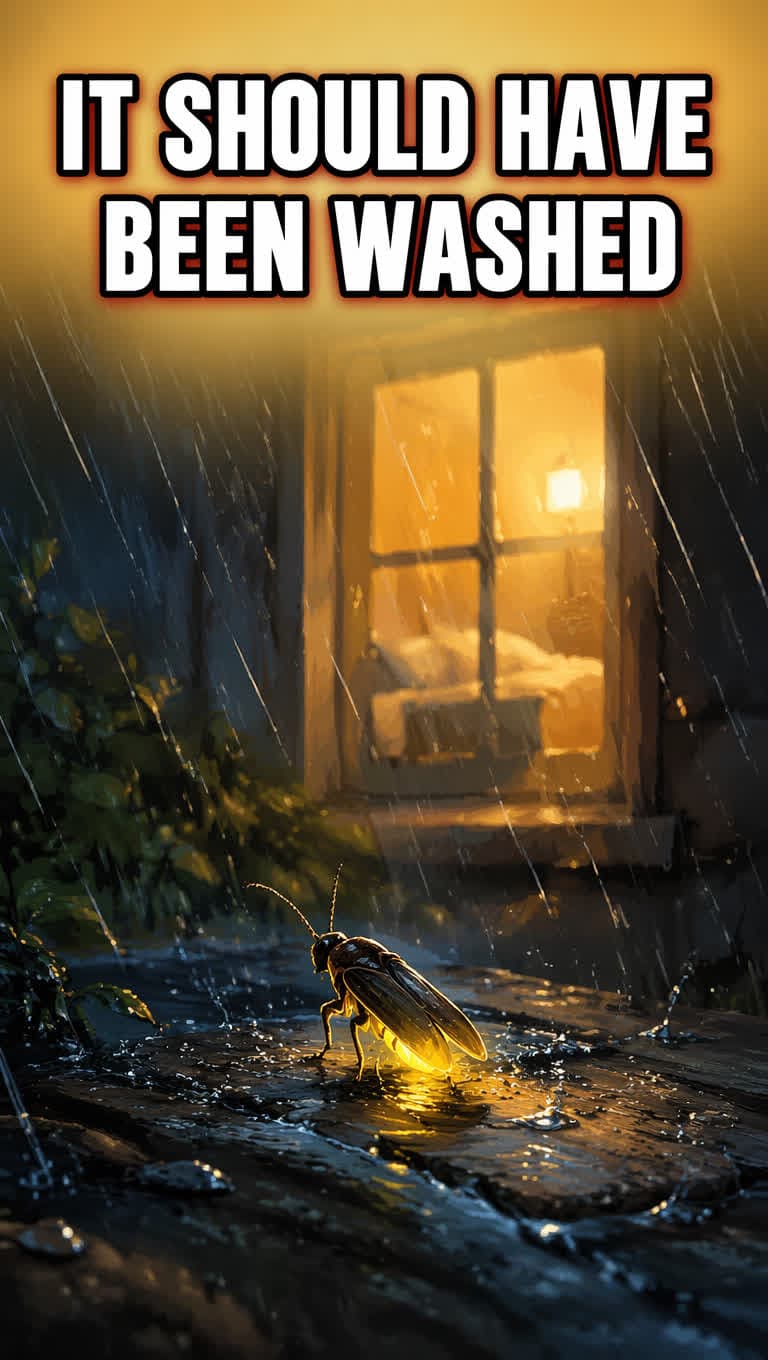
How to Create a Faceless YouTube Channel Workflow
A review-first faceless YouTube workflow for making one Short with script, timing, visual beats, captions, music, cover, metadata, and MP4 export.
Quick answer
To create a faceless YouTube channel, start with one repeatable niche and make one reviewable Short before planning a content calendar. A strong faceless YouTube workflow does not stop at a script. It should produce a complete publishing package: script review, voice timing, visual beats, captions, optional music, cover options, metadata, and a vertical MP4 export.
CreateFaceless is built around that first reviewed Short. The goal is not unattended autopilot on day one. The goal is to create a faceless YouTube Short you can inspect, export, and publish with confidence.
Read What is a faceless YouTube channel? if you are still defining the category.
Start with one lane
Most beginner faceless channel plans fail because they start too broad. "AI videos" is not a channel. "Short suspense stories with a twist ending" is closer. "One-minute Bible stories with a reverent narrator and hopeful cover style" is even clearer.
Choose a lane that can support repeatable production:
- Suspense stories.
- Bible or faith stories.
- History explainers.
- Book wisdom summaries.
- Psychology insights.
- Reddit-style original story formats.
The lane should define tone, structure, visuals, and the kind of viewer who would watch more than one video.
Make one Short before planning a calendar
Do not build a 30-day content calendar before you have one reviewed output. The first Short teaches you where the real friction is:
- Is the hook strong enough?
- Does the voice fit the niche?
- Are captions readable?
- Do the visual beats support the story?
- Does the music support the mood without fighting the narration?
- Does the cover make the right promise?
- Is the title specific enough?
Once those answers are visible, planning the next ten Shorts becomes much more grounded.
The full faceless Short workflow
Use this sequence for a review-first faceless video workflow:
- Pick the niche and video promise.
- Generate a script package.
- Review the hook, voiceover, ending, and scene plan.
- Create voiceover and word-level timing.
- Build a timing manifest and visual beats.
- Generate keyframes and a render motion plan.
- Add captions that are readable on a 9:16 mobile frame.
- Mix optional music so it supports the story instead of covering the voice.
- Render the final MP4 and run rhythm checks.
- Preview the Short in a YouTube-style vertical frame.
- Choose or compare cover directions.
- Prepare title, description, and hashtags from the finished video.
- Export the MP4 and copy the metadata for manual upload.
That is slower than a fake autopilot pitch, but it wastes less generation cost and gives you a video you can judge.
Script review comes before generation cost
The script is the first serious checkpoint. If the hook is weak, the ending is unclear, or the scenes do not fit the target duration, it is better to catch that before voice, image, render, and music work starts.
For a first faceless YouTube Short, review these pieces before production:
- Title idea and hook.
- Voiceover script.
- Scene plan.
- Target duration.
- Visual intent for each beat.
- Pacing notes for the opening, middle, and payoff.
This is where CreateFaceless differs from a loose AI faceless video generator prompt box. The system should help you approve the story package before spending the more expensive parts of the pipeline.
For the production evidence behind this boundary, read why a technically finished faceless Short still was not publishable. It covers the inconsistent sample that stayed off the public gallery and a real timing failure caught before image generation.
Voice, timing, and captions are production layers
Voice is not just a style choice. It controls pacing, total duration, subtitle timing, and how often the visuals need to change.
A reliable faceless YouTube Shorts workflow should keep these pieces connected:
| Layer | Why it matters |
|---|---|
| Voiceover | Sets the emotional tone and the real spoken duration. |
| words.json / timing data | Turns narration into usable timing evidence. |
| timing manifest | Connects script spans to scene and render decisions. |
| captions | Make the Short readable in silent or low-volume viewing. |
| rhythm QA | Catches videos that technically render but feel slow, rushed, or mismatched. |
Captions are not decoration. On mobile, they are part of the viewing experience. They need enough contrast, sane line length, and timing that matches the narration.
Use YouTube Shorts best practices when you want a separate hook, pacing, captions, and cover checklist.
Visual beats and motion plans make the video feel intentional
A faceless Short can fail even when every image looks good. The problem is usually rhythm: a visual appears too early, too late, or without a clear relationship to the line being spoken.
That is why the workflow should include visual beats and a render motion plan:
- Visual beats map story moments to image intent.
- Keyframes give the video concrete visual anchors.
- A render motion plan defines how those images move, cut, zoom, or hold.
- Reuse rules help a Series keep a recognizable style after the first Short works.
The goal is not to generate random vertical images. The goal is to make the visual rhythm support the script.
Music is optional, but not an afterthought
Music should serve the story. For some Shorts, no music is better than a distracting track. For others, a low-volume background bed can make the pacing feel more complete.
Before export, check:
- Does the mood match the niche?
- Is the narration still clear?
- Does the track fight the captions or key moments?
- Does the ending feel intentional?
- Is the music safe for the platform and your usage?
CreateFaceless treats music as part of the reviewable package, not as a last-minute effect pasted onto the MP4.
Cover and metadata come after the video is stable
Do not write the final title and description before you know what the video actually became. The best title usually comes from the reviewed hook, the strongest visual moment, or the cover direction.
Use this order:
- Review the finished MP4.
- Choose the cover direction.
- Match the title to the first three seconds.
- Write a one-sentence description.
- Add three to five focused hashtags.
- Upload manually with the final package.
For templates, use YouTube Shorts title and description workflow and YouTube Shorts hashtag sets.
Pick a niche with production fit
Use the faceless YouTube channel ideas page for a broader list. For a first CreateFaceless workflow, favor niches where the product can actually help:
| Niche | Why it fits |
|---|---|
| Suspense | Strong hooks, voice pacing, and visual beats matter. |
| Bible stories | Repeatable structure, careful tone, captions, and music restraint matter. |
| History | Narration, timing, and visual context matter. |
| Book wisdom | Concise scripts, caption clarity, and calm pacing matter. |
| Psychology | Pattern explanation, retention, and cover accuracy matter. |
| Reddit-style stories | Originality, rights, hook clarity, and manual review matter. |
Avoid niches that depend on live footage, celebrity clips, sports rights, or fast news unless you have a real sourcing workflow.
Manual publishing stays part of the workflow
For launch, the safe default is to export the MP4 and copy YouTube-ready metadata. You still make the final platform decision yourself.
That boundary matters. Preparing a publishable faceless Short is not the same as promising unattended YouTube posting, TikTok scheduling, Instagram autoposting, or guaranteed growth.
If you want to reuse the same vertical MP4 outside YouTube, use the format checks separately:
When to use Series continuity
Series continuity is useful after the first Short exists. It can preserve a repeatable recipe, tone, asset choices, niche history, and visual style. It should not be treated as unattended autopilot.
The first milestone is not "schedule 100 videos." It is "make one publishable Short and understand why it works."
When ready, compare best faceless YouTube niches, then start a new project in CreateFaceless.
Author

Categories
More Posts
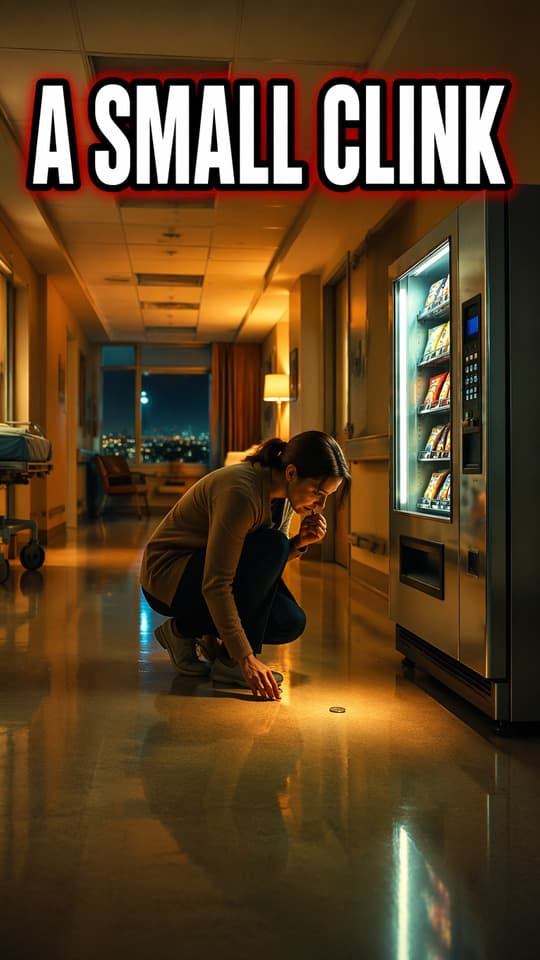
I Finished a Faceless YouTube Short and Still Wouldn't Publish It
A founder's production lessons from inconsistent visuals, failed timing checks, and building a review-first workflow for faceless YouTube Shorts.
Can Claude Make Videos? A Code-to-MP4 Guide
Can Claude make videos? Learn how animation code becomes an MP4, prepare a product launch storyboard and render the downloadable local starter.
Product Launch Video Script: A 30-Second Storyboard Template
Copy a 30-second product launch video script template, plan six shots and refine your CTA. Includes a filled example and a blank storyboard.
Newsletter
Join the community
Subscribe to our newsletter for the latest news and updates